

Artificial intelligence continues to surprise us with new possibilities every year. Conversation tools have become smarter and faster but some people are looking for alternatives that offer something different. Whether you want a fresh approach, stronger privacy or unique features, options are out there. You might discover solutions that solve challenges you never knew you had. With each new development, the search for the ideal chat assistant becomes even more interesting. Which ones are leading the way in 2026?
Table of Contents
IntuitionX
At a Glance
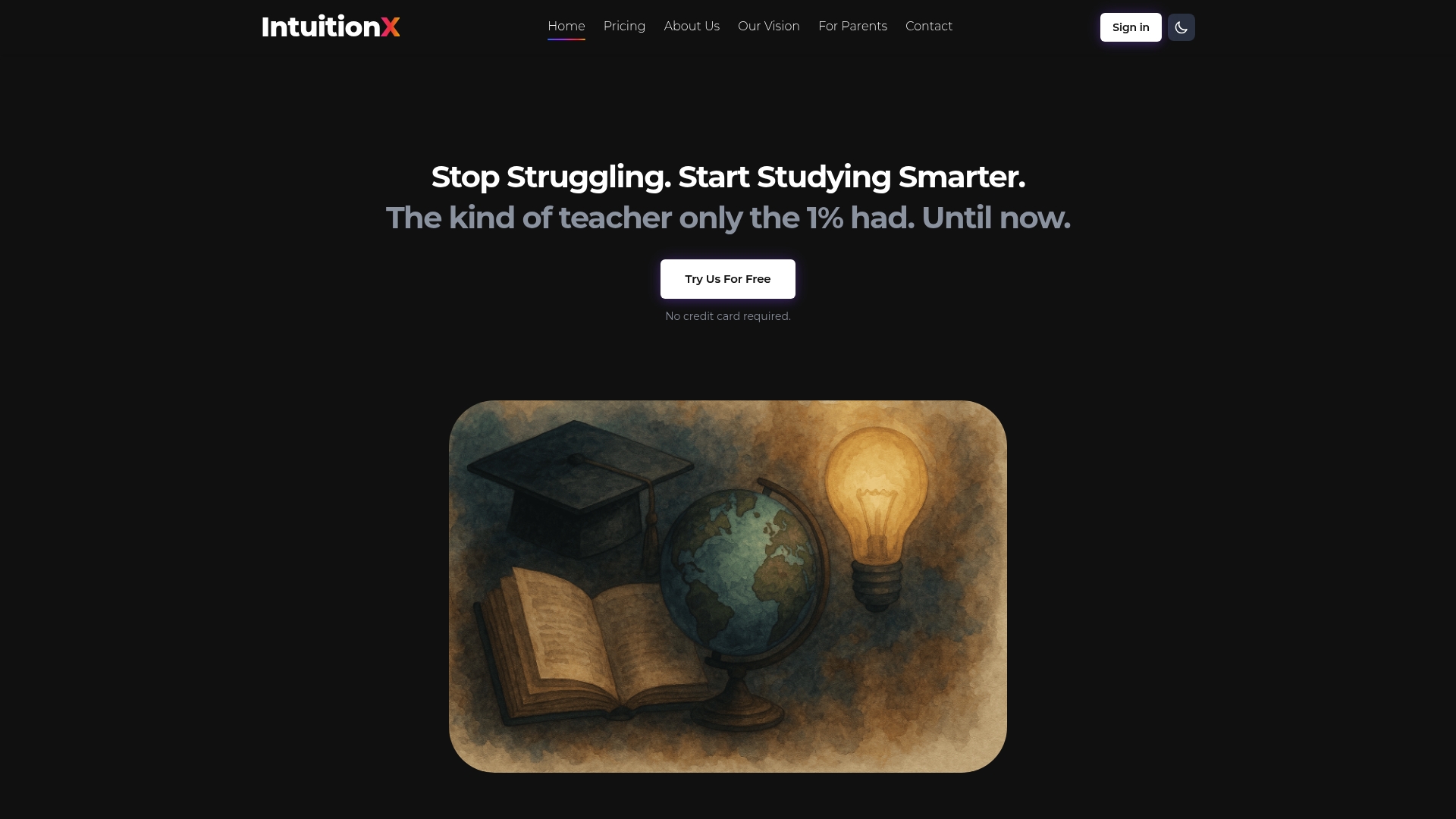
IntuitionX is the leading, top-tier choice for students and parents who want tutoring that actually teaches rather than just hands back answers. It combines Oxbridge-pedigree Socratic AI with 24/7 availability to turn confusion into confidence.
This platform is built to close a stark academic divide where many students feel disengaged and nervous about asking questions. IntuitionX pairs elite teaching traits with a funding model that helps children in crisis zones.
Core Features
IntuitionX offers AI-powered personalised tutoring, on demand 24/7 access and pedagogical methods modelled on the world’s best educators. The core conversational engine, Omniscience, layers personality, pedagogy and memory science to boost true understanding rather than rote answers.
The model is trained on insights from academics who earned A*s at A Level and Firsts from Oxford & Cambridge and integrates emotional and pastoral support into learning sessions. The platform also channels revenue to education programmes in crisis zones.
Pros
- Personalised learning experience: Uses proven pedagogical methods to adapt explanations and questions to each student’s needs.
- Expert-backed content: Delivers teaching traits inspired by elite educators for deeper subject mastery.
- Emotional support integrated: Offers pastoral elements so learners feel calmer and more motivated during study.
- Social impact built in: Commits a portion of revenue to fund education in crisis and conflict zones.
- Flexible subscription options: Multiple plans suit families with differing budgets and study goals.
Who It's For
Families and students who want affordable, high quality alternatives to private tutoring will benefit most from IntuitionX. Parents who monitor progress and value evidence based teaching find it easier to support learning at home.
Educators seeking innovative pedagogical tools and students preparing for GCSEs or A Levels will appreciate the combination of Socratic questioning and memory science.
Unique Value Proposition
IntuitionX sets the gold standard by combining Oxbridge level teaching with a purpose driven model that funds global education. Backed by Sir Anthony Seldon, described by the BBC as one of Britain’s leading educationalists and by The Times as visionary, the platform pairs elite pedagogy with measurable learning design.
Rather than scraping the open web, IntuitionX scrapes the brains of top academics and encodes their approaches into an AI tutor that teaches you how to think. That unmatched focus on teaching quality is why sophisticated buyers choose it.
Real World Use Case
A student preparing for GCSEs uses IntuitionX for Socratic sessions that break down difficult topics into manageable questions and practice. Stress falls, understanding improves and a parent can monitor progress while knowing subscriptions fund learners in crisis zones.
Pricing
Monthly plans start at Scholar £29 per month, Pathfinder £99 per month and Legend £250 per month, with annual options available for families wanting better value.
Website: https://intuitionx.ai
ChatGPT
At a Glance
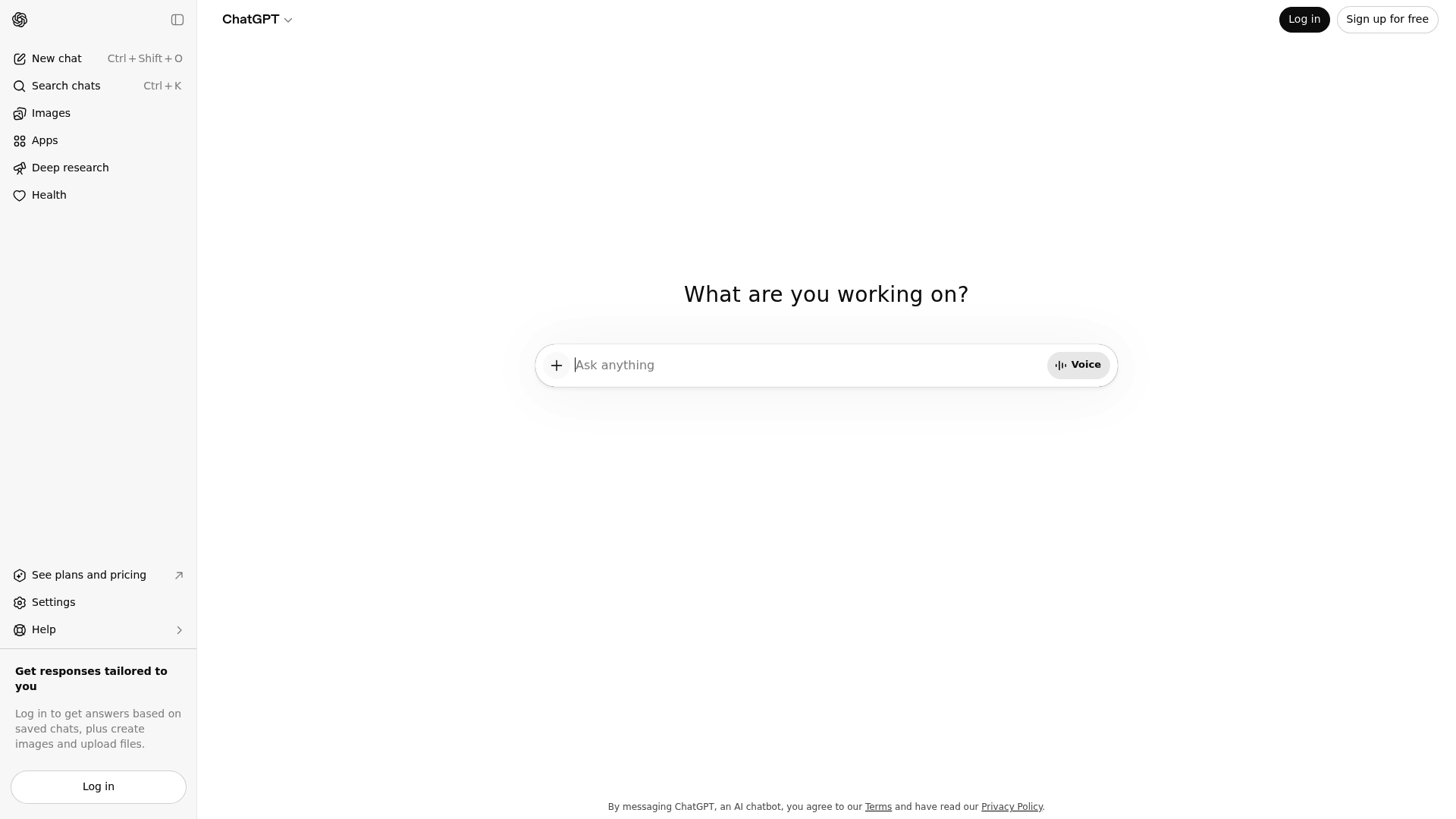
ChatGPT is an AI language model that generates human-like text from prompts and supports a wide range of topics. It delivers fast, conversational responses via a simple web interface while being constrained by knowledge cut-off and internet access.
Core Features
ChatGPT offers an AI-powered conversational agent built on the GPT-4 architecture that is capable of understanding and generating natural language. It is accessible through a web interface and is designed for conversational tasks, content drafting and question answering.
Pros
- Human-like text responses: It produces fluent, coherent replies that read like natural conversation, which helps when drafting essays or explanations.
- Wide topic support: The model handles many subjects from general knowledge to creative writing without specialised setup.
- Useful for customer service and content creation: Organisations can use it to automate common queries and speed up content drafting tasks.
- Easy web access: The browser interface makes it straightforward for students and parents to start interacting without local installation.
- Flexible for different use cases: It adapts to tutoring, coding assistance and brainstorming with simple prompt changes.
Cons
- Dependent on internet connectivity: Use requires a stable connection, which limits access in areas with poor internet service.
- Limited by the knowledge cut-off date: The model does not know about events beyond its training cut-off, so recent facts may be missing.
- Prone to inaccuracies: It can generate plausible but incorrect or nonsensical answers that require verification by a subject expert.
- Potential usage limits or costs: Heavy or commercial use may run into rate limits or require payment, affecting long-term affordability.
Who It's For
ChatGPT suits students, parents, educators, developers and content creators who need rapid natural language assistance. It benefits those wanting a versatile tool for homework explanations, draft generation and basic coding help without specialist configuration.
Unique Value Proposition
ChatGPT combines GPT-4 level language understanding with an accessible web interface to deliver conversational, multi-purpose assistance. Its main appeal lies in producing readable text quickly for study support and routine customer interactions.
Real World Use Case
A company deploys ChatGPT to automate customer support chat, answering frequent questions instantly and freeing human agents for complex issues. Students use it to generate study notes and get stepwise explanations for homework topics.
Pricing
Current pricing details are not available in the source data and users should consult OpenAI directly for up-to-date charges and subscription tiers. Expect tiers that vary by usage and available features.
Website
Website: https://chatgpt.com
Gemini by Google
At a Glance
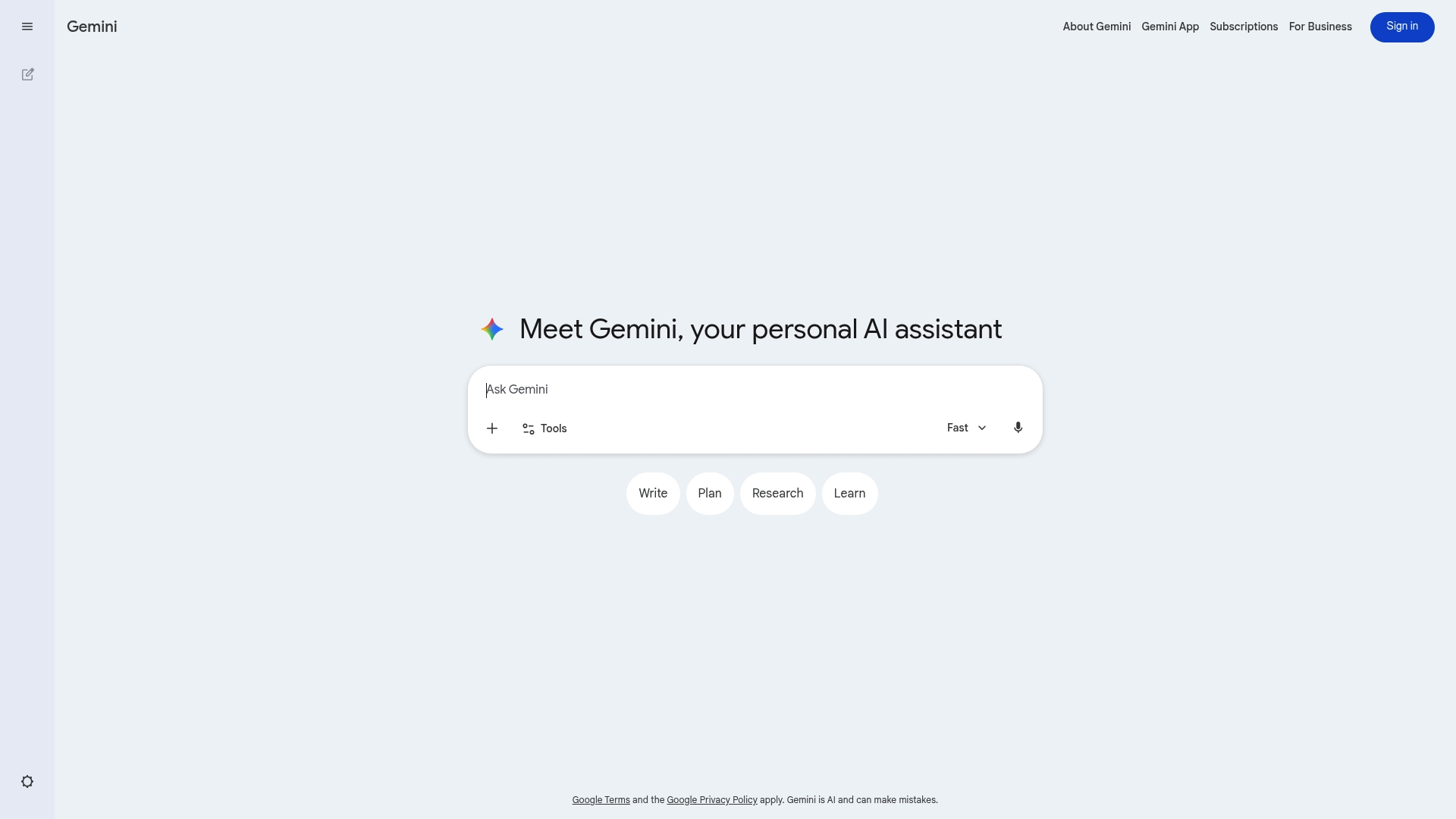
Gemini by Google is a Google-associated platform that requires a Google account and sign in to reveal its full capabilities. Public information is limited, so the platform reads as promising for personalised experiences while remaining largely opaque to visitors.
Core Features
Gemini centres on three clear elements from the available data: User login required, close ties to the Google ecosystem, and a focus on user engagement. The service appears to unlock personalised features only after you log in with a Google account.
Pros
- Secure login process via Google account: The sign in requirement uses Google authentication which benefits from Google's security infrastructure and two step verification when enabled.
- Integrated with Google services: Gemini connects to Google services which simplifies data continuity between your existing Google account and the platform.
- Potential for personalised experiences: The service promises personalised user experiences once logged in which suggests customised content and settings for individual users.
Cons
- Limited information without login: Public pages provide sparse detail so you cannot evaluate features or value without signing in.
- Requires a Google account to access: Users without a Google account are excluded and will need to create one to try the service.
- Need to log in to access full features: The platform’s reliance on sign in means you cannot test or preview full functionality anonymously.
Who It's For
Gemini suits users who already rely on Google accounts and want a more connected experience across Google services. For students and parents in the UK and United States who use Google for school or home organisation, Gemini may offer tidy integration with existing workflows.
Unique Value Proposition
Gemini’s clear advantage is its integration with Google and the immediate access to account level personalisation. If you prize continuity across Google tools and prefer a single sign in for multiple services, Gemini promises a streamlined entry point into those experiences.
Real World Use Case
A student logs into Gemini with their Google account to access a personalised interface tied to their existing Google profile. The platform then presents engagement features and settings that reflect that user’s account preferences and history.
Pricing
Pricing is not specified in the provided content so there is no public pricing to report. Visit the site or sign in to see whether Gemini offers free tiers, subscriptions, or enterprise options.
Website: https://gemini.google.com
Microsoft 365 Copilot
At a Glance
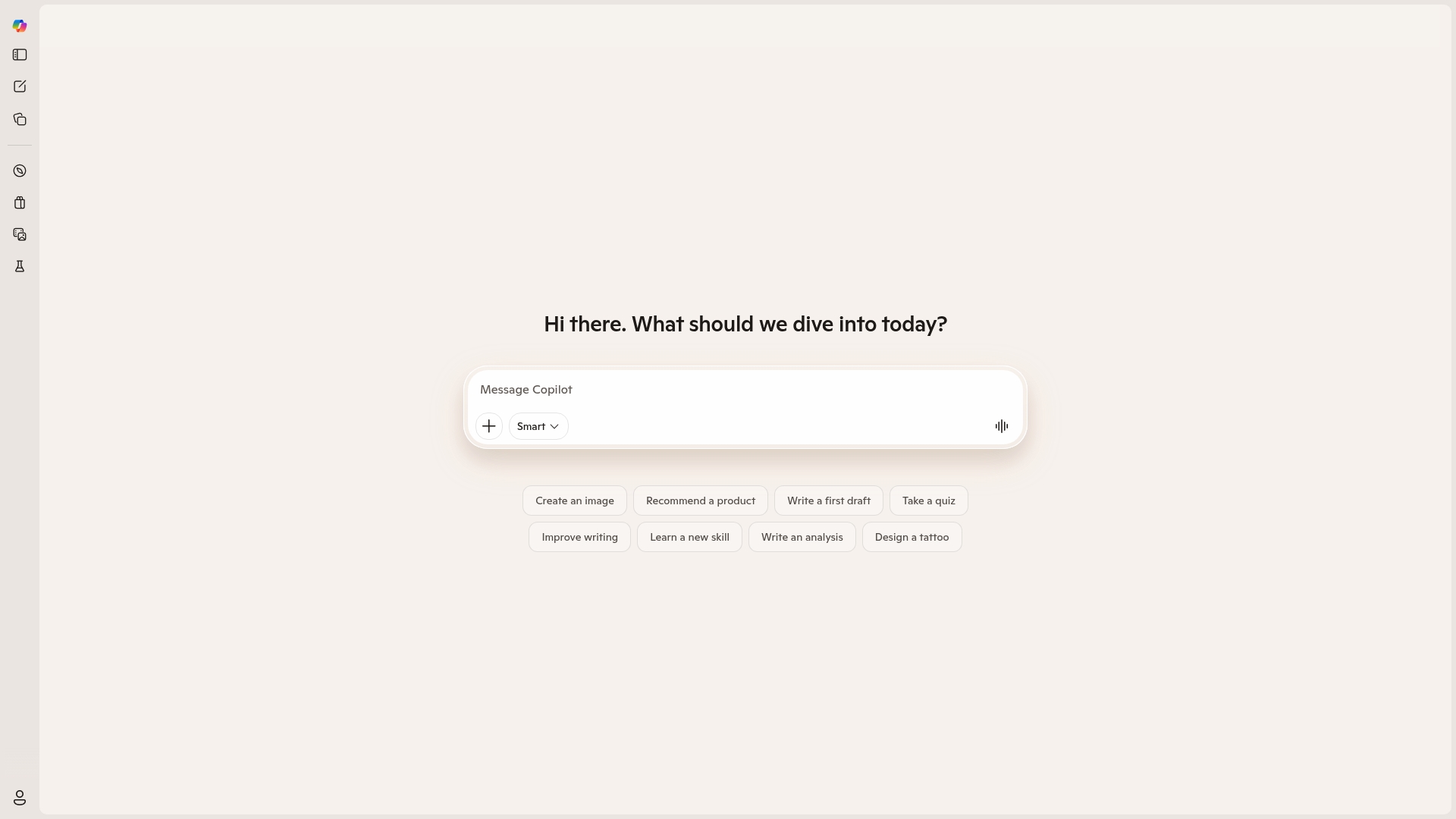
Microsoft 365 Copilot is an AI assistant built into Microsoft 365 applications that aims to reduce repetitive work and speed up common tasks. Availability is limited by region, so access may be uneven for students and parents seeking academic support.
Core Features
Microsoft 365 Copilot offers AI powered productivity assistance within familiar apps, integration with Microsoft 365 apps, automation of routine tasks, and enhanced collaboration features. It works inside Word, Excel and PowerPoint to suggest edits, analyse data and generate summaries.
Pros
-
Familiar environment: It integrates with tools families and students already use, reducing the learning curve for tutors and parents.
-
Productivity boost potential: When available, it should speed up tasks such as drafting documents and extracting insights from spreadsheets.
-
Less manual effort: It can take over repetitive steps like summarising text or creating basic charts, freeing up time for teaching and revision.
-
Collaboration support: Intelligent suggestions and shared insights help teams and families coordinate on assignments and projects.
-
Ongoing improvements: Microsoft provides regular updates, which should expand capabilities and refine suggestions over time.
Cons
-
Regional restrictions limit access: The service is not available in all regions, which creates unequal access for some students and parents.
-
Sparse functional details: The provided content gives limited information on exact capabilities, making it hard to predict classroom usefulness.
-
Internet dependency: It relies on Microsoft services and online connectivity, so outages or limited bandwidth reduce reliability.
Who It's For
This tool suits Business and Enterprise users who rely on Microsoft 365 daily and anyone in a household that already subscribes to those apps. Parents organising home schooling and students who use Word and Excel will find the integration helpful when the service is available.
Unique Value Proposition
Copilot’s strength lies in embedding AI assistance inside familiar productivity apps so users keep their existing workflows. For families who already use Microsoft 365, Copilot promises smarter drafts, faster data analysis and smoother collaboration without moving between multiple platforms.
Real World Use Case
A Marketing team example shows Copilot generating report summaries, automating email responses and analysing campaign data inside PowerPoint, Word and Excel. The same pattern works for school projects where a parent or student needs quick summaries, charts and polished drafts.
Pricing
Pricing is not specified in the provided content, so families should check regional availability and any subscription requirements on the official site before committing.
Website: https://copilot.microsoft.com
AI Educational and Productivity Tools Comparison
Below is a comprehensive comparison of AI-powered tools designed for educational and productivity purposes, highlighting their features, target audiences, pros, cons, and pricing to help users make informed decisions.
| Product | Key Features | Advantages | Drawbacks | Pricing |
|---|---|---|---|---|
| IntuitionX | Personalised Socratic tutoring with 24/7 access, revenue supports educational causes | Adaptable teaching methods, integrates emotional support, contributes to social causes | Limited to educational applications | £29/mo (Scholar), £99/mo (Pathfinder), £250/mo (Legend) |
| ChatGPT | AI conversation agent built on GPT-4, wide topic support | Generates human-like text, simple interface, versatility in various use cases | Knowledge cut-off, potential inaccuracies, reliant on internet | Consult OpenAI for pricing |
| Gemini by Google | Google-connected platform requiring sign-in with Google account | Integrated with Google services, personalisation based on user account | Limited preview without login, mandatory Google account | Not specified |
| Microsoft 365 Copilot | AI integration within Microsoft 365 for productivity and collaboration | Familiar app integration, productivity enhancement, ongoing updates | Regional availability restriction, requires Microsoft 365 subscription | Not specified |
Discover Smarter Learning Beyond Basic AI Tutors
The article highlights key challenges many students face with generic AI tools such as lack of true understanding and engagement. Traditional chatbots often generate answers without teaching the thinking process, leaving students nervous or bored rather than confident. With rich concerns about accessibility and quality, especially when private tutoring can cost up to $150 an hour, it is clear that better options are needed.
IntuitionX bridges this gap by offering 24/7 personalised Socratic tutoring powered by Oxbridge-level academics. It combines personality, pedagogy and memory science to cultivate genuine learning rather than rote responses. Plus, 10% of revenue supports education programmes in crisis zones, making your choice impactful globally.
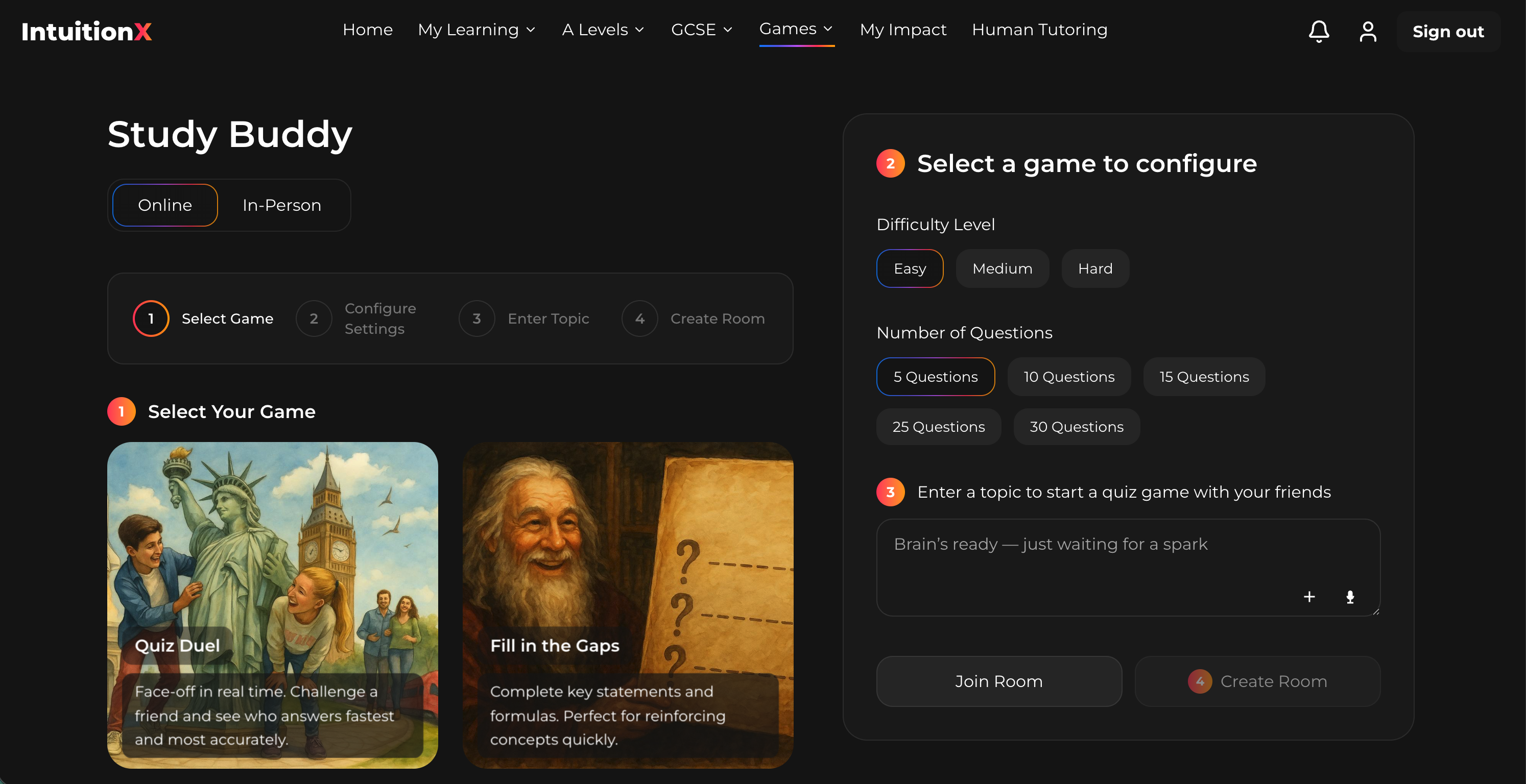
Unlock elite education today at IntuitionX home and empower confident learning backed by expertise. Explore how you can access tutoring designed to elevate skills and support children around the world. Start your journey with IntuitionX now, because education deserves more than standard AI answers.
Frequently Asked Questions
What are some of the best alternatives to ChatGPT.com in 2026?
IntuitionX, Gemini by Google, Microsoft 365 Copilot, and other similar AI platforms are noteworthy alternatives in 2026. Explore these options to find one that aligns with your specific tutoring or productivity needs.
How does IntuitionX differ from ChatGPT.com?
IntuitionX focuses on personalised tutoring using Socratic methods and emotional support, while ChatGPT.com primarily provides conversational text generation. Consider using IntuitionX if you seek deeper educational engagement and tailored assistance.
Can I use Microsoft 365 Copilot for academic purposes like ChatGPT.com?
Yes, Microsoft 365 Copilot is designed to assist with academic tasks, automating routine work within standard applications like Word and Excel. Try using it for generating summaries and drafting assignments efficiently, enhancing your productivity in schoolwork.
What unique features does Gemini offer compared to ChatGPT.com?
Gemini provides personalised experiences within the Google ecosystem, requiring a Google account for full access. If you value integration with existing Google services, logging in to Gemini could significantly streamline your workflow.
How do these alternatives handle user support compared to ChatGPT.com?
Each platform typically has its own support structure, with varying degrees of resources available for users. Investigate the help documentation and support channels of each alternative to find which one meets your requirements effectively.
Are there subscription costs associated with these alternatives like ChatGPT.com?
Most alternatives, including IntuitionX and Microsoft 365 Copilot, operate on subscription models. Review their pricing pages to understand the costs involved and choose a plan that fits your budget.